


Trusted by 100+ salesteam
Reached × Salesforce Integration for Smarter Outbound Calling
Import your Salesforce leads into Reached and accelerate your outbound performance
Features
Built to run high-volume campaigns reliably
Everything you need to run high-performance outbound campaigns with speed, control, and precision.
Features
Built to run high-volume campaigns reliably
Everything you need to run high-performance outbound campaigns with speed, control, and precision.
Features
Built to run high-volume campaigns reliably
Everything you need to run high-performance outbound campaigns with speed, control, and precision.
Real-Time Statistics
Track live performance, monitor answer rates, and hit your outbound targets
Real-Time Tracking
Track live performance, monitor answer rates, and hit your outbound targets
Advanced Voicemail Skip
Skip voicemail automatically and connect only to real answers.
Voicemail Skip
Skip voicemail automatically and connect only to real answers.
Smart Ban Lists
Automatically prevent reps from calling uninterested or disqualified prospects again.
Secure Data
Keep your analytics safe with advanced security and strong encryption.
Call Recordings
Every call outcome, note, and task is automatically synced back to your CRM
Duplicate Detection
Automatically identify and prevent your team from calling the same lead twice
Why Integrate Salesforce with Reached?
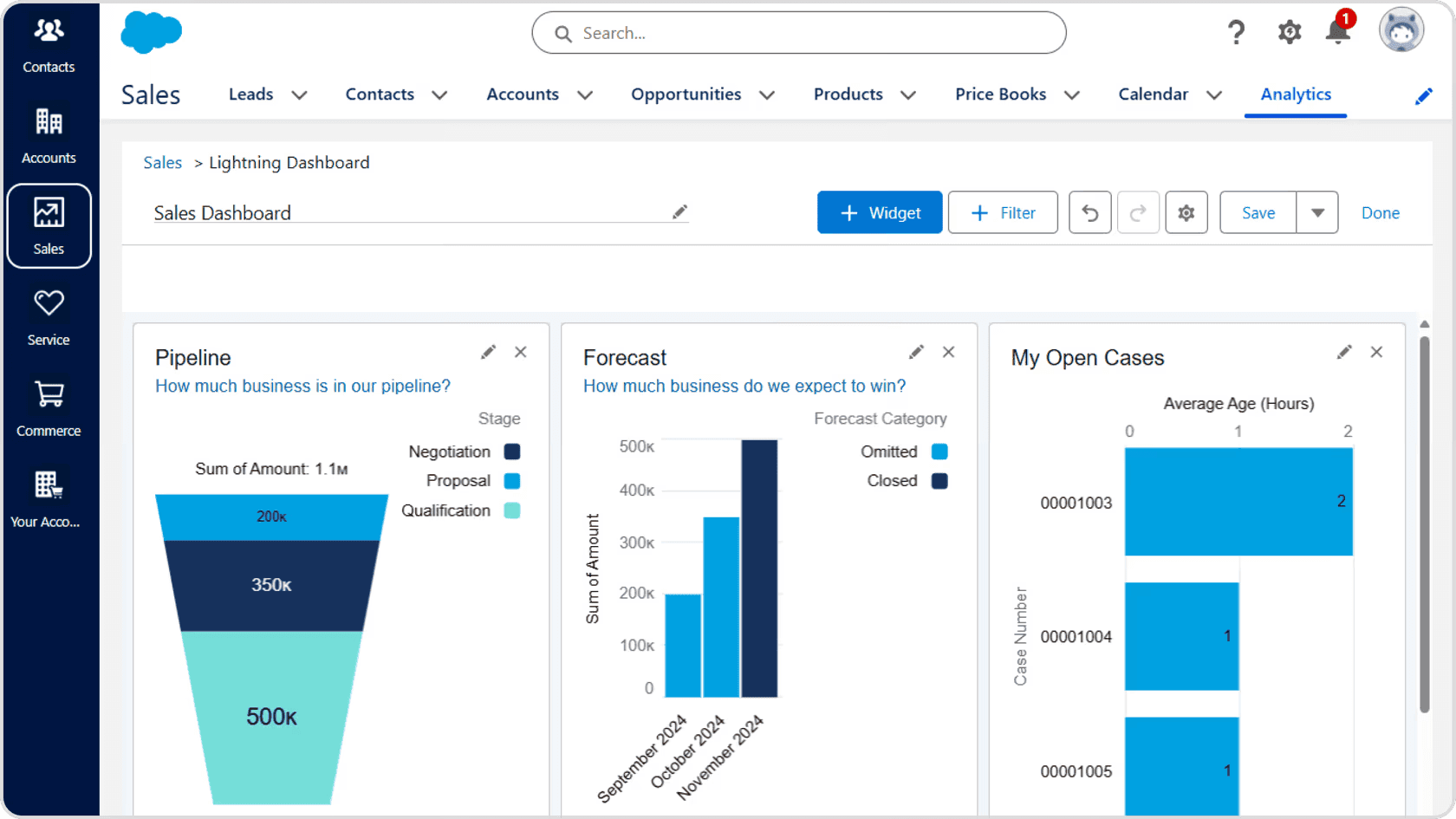
Integrate Reached with Salesforce to bring parallel dialing into the world's #1 CRM. Sync your Salesforce contacts into Reached, log every call outcome directly into your records, and keep notes and tasks updated in real-time. Give your reps full CRM context before every call and track call performance alongside your pipeline for a complete view of your sales activity.
What Is Hubspot?
Salesforce is the world's #1 CRM, trusted by enterprise sales teams globally. It provides a complete suite of tools to manage pipelines, automate workflows, and scale revenue operations. From SMBs to Fortune 500 companies, Salesforce is the backbone of modern sales organizations.



Why Integrate Salesforce with Reached?
Integrate Reached with Salesforce to bring parallel dialing into the world's #1 CRM. Sync your Salesforce contacts into Reached, log every call outcome directly into your records, and keep notes and tasks updated in real-time. Give your reps full CRM context before every call and track call performance alongside your pipeline for a complete view of your sales activity.
What Is Hubspot?
Salesforce is the world's #1 CRM, trusted by enterprise sales teams globally. It provides a complete suite of tools to manage pipelines, automate workflows, and scale revenue operations. From SMBs to Fortune 500 companies, Salesforce is the backbone of modern sales organizations.



How to integrate Salesforce with Reached?
Step 1 — Create a Connected App in Salesforce Log in to your Salesforce account, go to Setup then App Manager then New Connected App. Fill in the app name, enable OAuth settings, and copy your Consumer Key and Consumer Secret.
Step 2 — Connect Salesforce in Reached In Reached, navigate to Settings then Integrations. Find Salesforce in the list and click Connect. Paste your Consumer Key and Consumer Secret, then click Test & Connect.
Step 3 — Sync your data Once connected, your Salesforce contacts are synced into Reached. Call outcomes, notes and tasks are automatically logged back into Salesforce, keeping your CRM always up to date.
Connecting Salesforce to Reached can be a little bit tricky as it requires you to manipulate advanced settings and having a Developper account. Let us know if you have any issues and we will be right there to help you.
How to integrate Salesforce with Reached?
Step 1 — Create a Connected App in Salesforce Log in to your Salesforce account, go to Setup then App Manager then New Connected App. Fill in the app name, enable OAuth settings, and copy your Consumer Key and Consumer Secret.
Step 2 — Connect Salesforce in Reached In Reached, navigate to Settings then Integrations. Find Salesforce in the list and click Connect. Paste your Consumer Key and Consumer Secret, then click Test & Connect.
Step 3 — Sync your data Once connected, your Salesforce contacts are synced into Reached. Call outcomes, notes and tasks are automatically logged back into Salesforce, keeping your CRM always up to date.
Connecting Salesforce to Reached can be a little bit tricky as it requires you to manipulate advanced settings and having a Developper account. Let us know if you have any issues and we will be right there to help you.
Why Reached
The smartest way to reach your leads
Turn slow outreach into fast, high-volume calling that connects you with more leads in less time.
Why Reached
The smartest way to reach your leads
Turn slow outreach into fast, high-volume calling that connects you with more leads in less time.
Single Dialer (e.g Aircall)
Manual dialing
Conversations per hour
15-25+
15-25+
4-6
1-3
Auto voicemail skip
Multi-channel outbound
Call records and transcripts
CRM sync
Dead time between calls
0 sec
0 sec
5-10 sec
30-60 sec
Built for Outbound

Ready to 3x your Conversations ?
Ready to 3x your Conversations ?
Reach more prospects without wasting time.
FAQ's
Common questions with Clear answers
Here are answers to the most common things people ask before getting started.
FAQ's
Common questions with Clear answers
Here are answers to the most common things people ask before getting started.
FAQ's
Common questions with Clear answers
Here are answers to the most common things people ask before getting started.
What is a parallel dialer?
A parallel dialer is a sales calling system that helps reps reach more prospects in less time. Instead of dialing one number and waiting, reps can initiate outreach to several contacts at once and get connected the moment a real conversation is ready to happen — cutting out wasted time between calls.
Will it increase my connect rate?
How does the smart brief wok?
Does it integrate with my CRM?
For which countries do you offer phone numbers?
What is a parallel dialer?
A parallel dialer is a sales calling system that helps reps reach more prospects in less time. Instead of dialing one number and waiting, reps can initiate outreach to several contacts at once and get connected the moment a real conversation is ready to happen — cutting out wasted time between calls.
Will it increase my connect rate?
How does the smart brief wok?
Does it integrate with my CRM?
For which countries do you offer phone numbers?
Demo
Book your demo
Turn slow outreach into fast, high-volume calling that connects you with more leads in less time.
Demo
Book your demo
Turn slow outreach into fast, high-volume calling that connects you with more leads in less time.
Demo
Book your demo
Turn slow outreach into fast, high-volume calling that connects you with more leads in less time.
Why Reached
The smartest way to reach your leads
Turn slow outreach into fast, high-volume calling that connects you with more leads in less time.
Single Dialer (e.g Aircall)
Conversations per hour
15-25+
4-6
Auto voicemail skip
Parallel calls
Call records and transcripts
CRM sync
Dead time between calls
0 sec
5-10 sec
Built for Outbound